When someone asks "where's your podcast?", the technical answer isn't Spotify or Apple Podcasts. It's your RSS feed. Understanding it saves you from the worst problem of all: losing control of your own show.
⚡ In 30 seconds
- The RSS feed is your podcast's official address.
- Hosting stores your audio, generates the feed and distributes it.
- The most important thing when choosing: being able to export and redirect your feed.
- Always keep copies of your audio.
What is an RSS feed?
It's a structured text file with your podcast's information: name, description, artwork, author and the list of episodes with a link to each audio file. It updates automatically every time you publish.
Spotify, Apple Podcasts and iVoox read that file to display your show. That's why you upload your episodes to one place and everything else updates itself.
📌 The key idea
Your feed is your podcast's official address. The platforms just read it.
What is hosting and why do you need it?
Audio files are large and need to be on a server that can deliver them to thousands of listeners at once. That's what podcast hosting is.
What your hosting does
Stores
Keeps all your episodes.
Generates
Creates the RSS feed with all the information.
Distributes
Serves the audio to listeners and gives you statistics.
What about your own website? It's best avoided unless you have a very powerful server: every download uses resources and can slow your site down.
What to look for when choosing hosting
There's no service that's perfect for everyone. Compare them based on your needs:
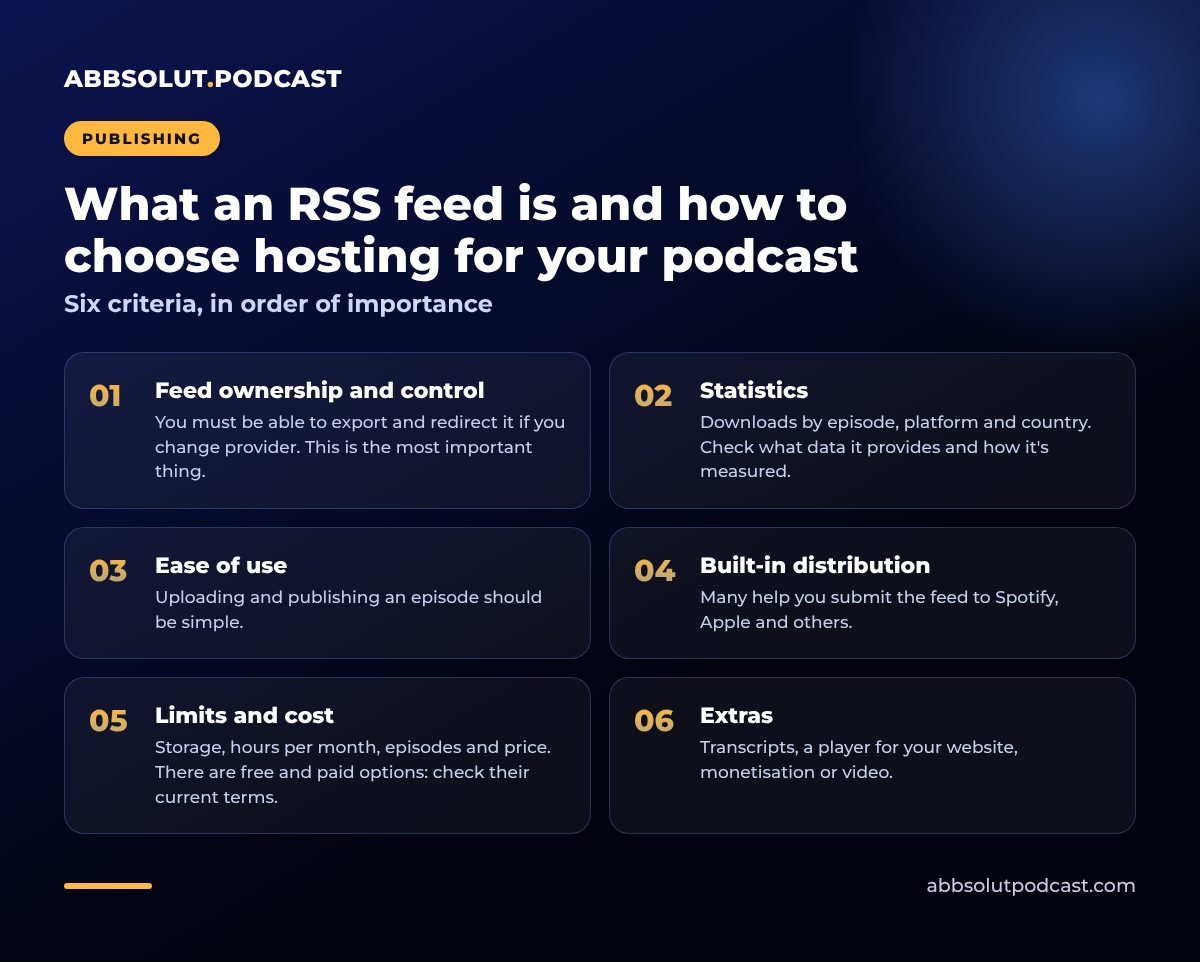
Six criteria, in order of importance
- 01
Feed ownership and control
You must be able to export and redirect it if you change provider. This is the most important thing.
- 02
Statistics
Downloads by episode, platform and country. Check what data it provides and how it's measured.
- 03
Ease of use
Uploading and publishing an episode should be simple.
- 04
Built-in distribution
Many help you submit the feed to Spotify, Apple and others.
- 05
Limits and cost
Storage, hours per month, episodes and price. There are free and paid options: check their current terms.
- 06
Extras
Transcripts, a player for your website, monetisation or video.
The risk of depending on a single platform
Some free services are convenient, but if they change their terms or shut down, the podcasts that rely on them can suffer. Think of your show as an asset.
When you change hosting, the right way to do it is a feed redirect: the old provider points to the new address and the platforms update the show without losing subscribers.
⚠️ Watch out for this
Before choosing a host, check that it allows feed redirects. Otherwise, switching will cost you subscribers and rankings.
Your podcast is an asset: make sure you can take it with you.
Where do I find my feed?
Your provider shows the address, usually in the distribution settings or your show's settings. It's a long URL you can copy and use to list your show on each platform. We explain how in how to publish your podcast on Spotify, Apple Podcasts and iVoox.
The owner's email address listed in the feed is usually used to verify ownership. Check that you have access to it.
A tip for brands and clients
If you produce a podcast for a company or a client, make sure the accounts and feed are in the name of whoever owns the project. That way, if they change provider, nothing has to be transferred.
🎯 Example
That's what we do at Abbsolut Podcast: the accounts and feed are in the client's name.
What should your feed include?
Before submitting it to any platform, check that it includes:
✅ Feed details
- A clear title and description
- Language and category
- Square artwork
- Author and a valid email
- Title and description for each episode
The more complete the details, the better your show looks and the easier it is for people to find you.
Common mistakes
- Choosing hosting on price alone. Look at how freely you can export and at the quality of service.
- Publishing on each platform separately. It creates duplicates. Always use a single feed.
- Not keeping copies of your audio. Keep the originals on your drive or in the cloud.
- Changing provider without redirecting the feed. You'll lose subscribers and rankings.
Where it fits in the process
Hosting is where production and distribution meet. Before that come recording and editing, which we cover in how to edit a podcast. Then comes promotion, covered in how to promote your podcast on social media. And if you're starting from scratch, you'll find the overview in how to start a podcast.
In short
The RSS feed is your podcast's official address and hosting is where your episodes live. Choose a provider that's easy to use, offers good statistics and lets you export and redirect the feed. And always keep backups.
A feed with full descriptions also helps AI understand your show. We go into this in more detail in how to make your podcast appear in AI search engines.
🎙️ How we do it at Abbsolut
If you'd rather not deal with the technical side, we take care of the whole publishing process as a podcast production company in Barcelona.
Would you like us to produce your podcast?
We're a podcast production company in Barcelona. Tell us your idea and we'll send you a no-obligation proposal.
Get a quote