You've recorded and edited your first episode and uploaded it to your host. Now it needs to reach the places where people listen. And you don't need to upload the audio three times: with a single RSS feed, every platform updates automatically.
⚡ In 30 seconds
- One RSS feed works for Spotify, Apple Podcasts and iVoox.
- On all three you'll need to verify ownership with a code sent by email.
- Never upload episodes manually to each platform: it creates duplicates.
- Apple may take a few days to approve the show.
Before you start: what you need
✅ Have to hand
- Your RSS feed, found in your host's distribution settings
- At least one published episode
- Square artwork, from 1400 x 1400 to 3000 x 3000 pixels, JPG or PNG
- Title, description, category, language and explicit content rating
- Access to the feed's email address, where the codes arrive
If you're not sure what a feed is, read what an RSS feed is first. And bear in mind that platforms change their menus often. If a step takes you to a different screen, look for the equivalent option.
How to publish on Spotify
If you host your podcast on Spotify for Podcasters (formerly Anchor), it's already on Spotify. If you use another host, submit your feed through Spotify's creator platform.
You enter the feed URL, verify the email and confirm the details. After review, your podcast appears in the catalogue.
How to publish on Apple Podcasts
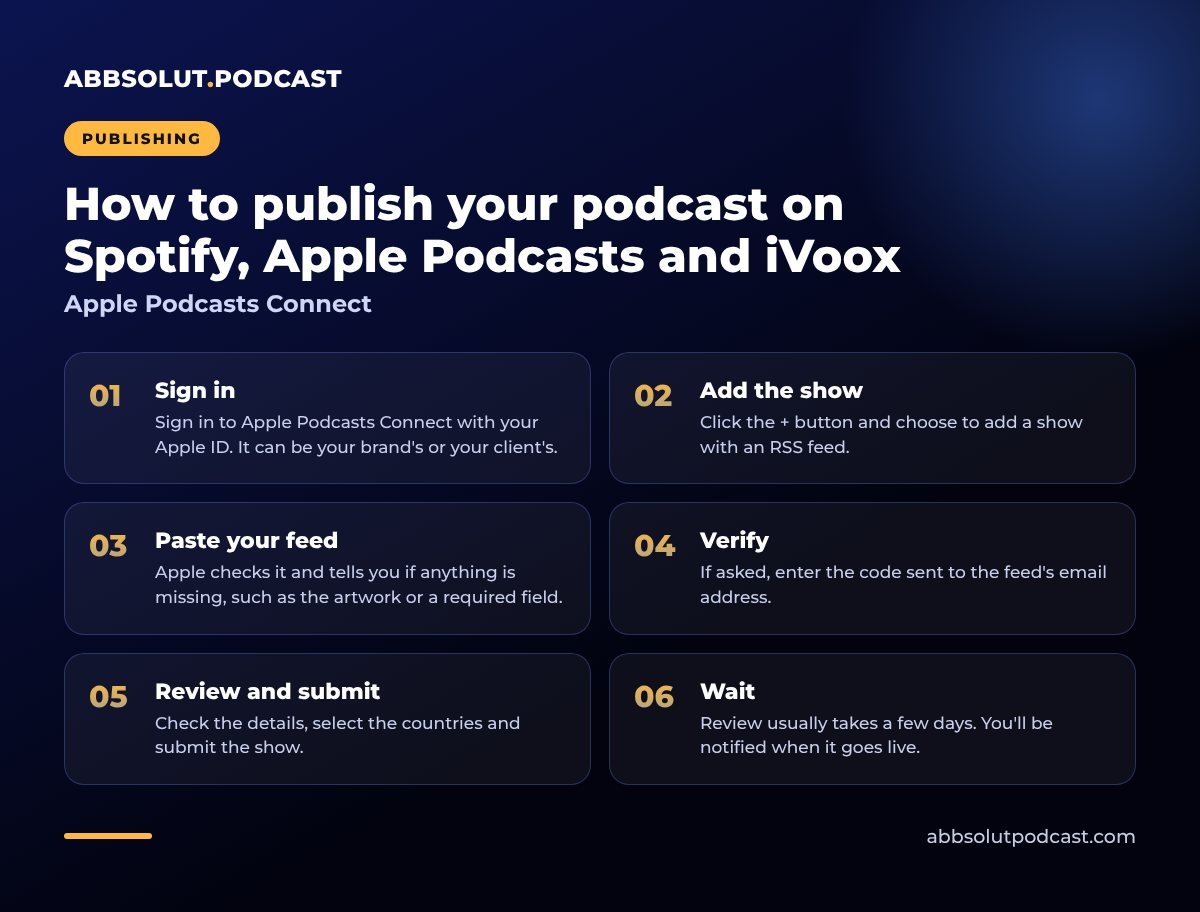
Apple Podcasts Connect
- 01
Sign in
Sign in to Apple Podcasts Connect with your Apple ID. It can be your brand's or your client's.
- 02
Add the show
Click the + button and choose to add a show with an RSS feed.
- 03
Paste your feed
Apple checks it and tells you if anything is missing, such as the artwork or a required field.
- 04
Verify
If asked, enter the code sent to the feed's email address.
- 05
Review and submit
Check the details, select the countries and submit the show.
- 06
Wait
Review usually takes a few days. You'll be notified when it goes live.
💡 If the podcast belongs to a client
Create the Apple account with a brand email address and add yourself as a collaborator in Users and Access. That way the client is always the owner.
How to publish on iVoox
iVoox in five steps
- 01
Account
Create an iVoox account or log in.
- 02
Import
Look for the option to upload content and import a podcast from RSS.
- 03
Paste the feed
Enter your feed URL.
- 04
Verify
Confirm you're the owner with the code sent to the feed's email address.
- 05
Confirm
Check the category and language, and you're done.
From then on, iVoox syncs your new episodes automatically, usually within a few hours.
Avoid duplicates
The most common mistake is uploading episodes manually to each platform. It creates copies and things get inconsistent.
⚠️ Watch out for this
Always upload episodes to a single place and let the feed do the rest. If you already have a duplicate, delete the extra one from its platform.
Be patient with changes: if you delete an episode or change any details, it can take a few hours to show up everywhere, because apps cache data temporarily.
What about other platforms?
As well as the big three, you can submit your feed to others depending on your audience: Amazon Music, YouTube Music, Podimo or Pocket Casts, among others. The process is similar: paste your feed and verify ownership. Prioritise those that matter most to your listeners.
If something doesn't appear or goes wrong
It's normal for it to take a few hours (or a few days on Apple) before your show appears. If it still isn't there after that, check the following:
Common causes
Validation error
It's almost always wrongly sized artwork, an empty field or an unverified email address.
Invalid audio
Check that every episode plays from your host.
Owner's email
If you don't have access to it, you won't receive the code. Change it in your hosting settings and try again.
Content rejected
They may ask for changes to titles, images or descriptions. Read the reason and fix it.
Changed your artwork or title and it's not showing? That's the apps' cache: wait a few hours before changing anything else. If the problem continues, contact support with your feed URL and a screenshot of the error.
One feed, three listings, zero duplicate uploads.
After publishing
- Share the link to each platform on your social media and website.
- Ask for ratings from your first listeners: they help others find you.
- Create a podcast page on your website with a player and show notes.
- Promote it. Read how to promote your podcast on social media.
Check this before submitting
The name, artwork and description are the hardest things to change later. Read how to choose your name and artwork. And if you're starting from scratch, you'll find the full picture in how to start a podcast.
In short
One feed, three listings: Spotify, Apple Podcasts and iVoox. Verify ownership, avoid duplicates and be patient with the review.
Being on every platform is the first step; the next is getting AI tools to recommend you too. We explain how in how to make your podcast appear in AI search engines.
🎙️ How we do it at Abbsolut
If you'd rather we took care of it, we'll list and publish your show, with the accounts in your name, as part of our podcast production service in Barcelona.
Would you like us to produce your podcast?
We're a podcast production company in Barcelona. Tell us your idea and we'll send you a no-obligation proposal.
Get a quote