Editing is where a recording becomes an episode. It's not about covering up poor audio, it's about polishing good audio so it flows. With a clear method, a thirty-minute episode takes one to two hours.
⚡ In 30 seconds
- Good source audio halves your editing time.
- Always follow the same workflow: listen, clean, cut, balance, export.
- Don't over-process: less is more.
- Create a project template and you'll save hours.
Before you open the software
The best edit starts at the recording stage. Clean audio, with good levels and no background noise, takes half as long to edit. If you haven't got that sorted yet, read how to record a podcast at home.

Organise your files: one folder per episode with the original recordings, music and assets.
💡 Tip
Always keep an untouched copy of the original audio. If something goes wrong, you can go back.
The editing workflow step by step
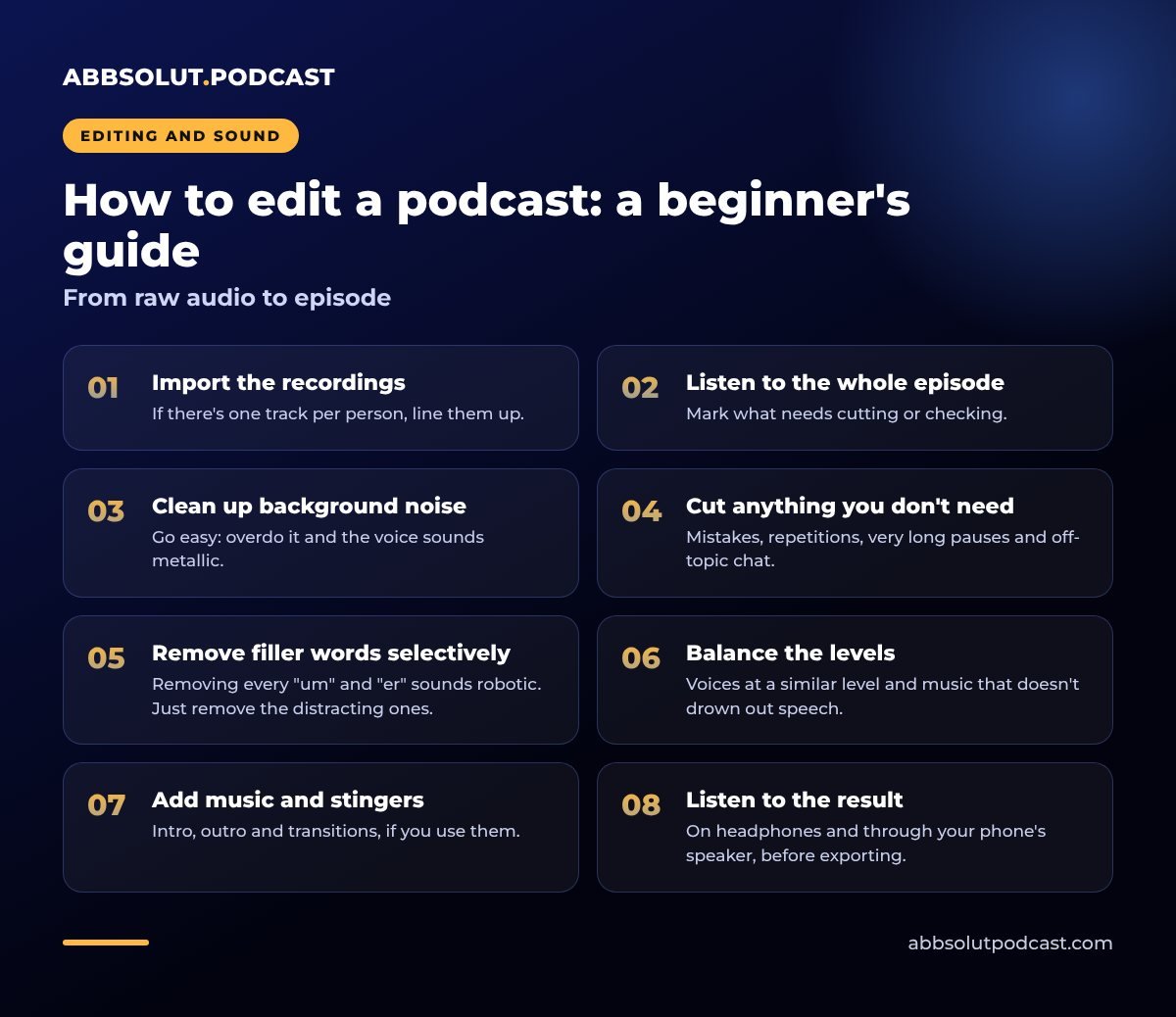
From raw audio to episode
- 01
Import the recordings
If there's one track per person, line them up.
- 02
Listen to the whole episode
Mark what needs cutting or checking.
- 03
Clean up background noise
Go easy: overdo it and the voice sounds metallic.
- 04
Cut anything you don't need
Mistakes, repetitions, very long pauses and off-topic chat.
- 05
Remove filler words selectively
Removing every "um" and "er" sounds robotic. Just remove the distracting ones.
- 06
Balance the levels
Voices at a similar level and music that doesn't drown out speech.
- 07
Add music and stingers
Intro, outro and transitions, if you use them.
- 08
Listen to the result
On headphones and through your phone's speaker, before exporting.
Which software?
You can start with free options such as Audacity or GarageBand. Some paid tools offer text-based editing: you cut by deleting words from a transcript.
Choose one tool and get to know it well. Jumping from program to program wastes time.
Spend an afternoon learning the keyboard shortcuts in whichever one you choose: cut, split, undo and moving along the track. It might seem minor, but you'll edit much faster and get less tired. And you don't need to master every feature, just the five or six you'll use in every episode. If you need to go back over the earlier steps, see what equipment you need to record a podcast.
Cuts nobody notices
A good cut is one the listener doesn't notice.
✅ Before you make a cut
- Cut at silences or breaths, never in the middle of a word.
- Leave a pause of a few tenths of a second between sentences you've joined.
- Use very short fades to smooth the join.
- Keep the natural rhythm: a conversation with no pauses is tiring to listen to.
Voices, music and effects
The voice is the star. Background music should sit around ten to fifteen decibels lower while someone is speaking, and come up in the transitions. If two voices are at different volumes, match them before applying any other processing.
A good cut is one nobody hears.
To go further, see mixing and mastering a podcast. And to choose music and sound without any legal worries, read music and stingers for your podcast.
Export without surprises
Export in a compatible format. The usual standard is MP3 at 128 kbps mono or 192 kbps stereo. Give it a clear name and add the metadata: title, show name, author and artwork.
A tidy file name with the episode number and a short title will save you headaches once you've published twenty episodes.
Listen to the exported file before uploading it. It's surprising how often a mistake shows up in this final check.
Common mistakes
⚠️ Watch out for this
- Over-processing. Too much noise reduction, compression or EQ leaves the voice sounding artificial.
- Editing when tired. After two hours you lose your judgement. Take breaks and review the next day.
- Neglecting the opening. The first thirty seconds are crucial.
- Not saving versions. Save a copy before major changes.
How long does it take?
When you're starting out, allow three to four times the length of the episode, so a thirty-minute episode takes an hour and a half to two hours. With practice, that comes down a lot.
🎯 Example
Create a template with your tracks, music and usual settings, so every session starts half done. And put editing in your calendar just as you do recording: if you don't, it piles up.
What if you'd rather hand it over?
Editing well takes time and practice. If your schedule is tight or your brand needs a professional finish, delegating frees you up to prepare your content and focus on the conversation. In how much it costs to produce a podcast we explain what affects the price.
In short
Organise, listen, clean, cut with judgement, balance and export. With a repeatable workflow, editing stops being a chore.
🎙️ How we do it at Abbsolut
If you'd rather leave it to us, at Abbsolut Podcast we'll edit and mix your podcast to a professional standard. We're a podcast production company in Barcelona and we'll be with you from start to finish.
Would you like us to produce your podcast?
We're a podcast production company in Barcelona. Tell us your idea and we'll send you a no-obligation proposal.
Get a quote