When you start a podcast, it's easy to get obsessed with equipment. The good news: you don't need to buy out an entire audio shop. A few well-chosen pieces will give you clean, professional audio. Here are the ones that matter and the ones that can wait.
⚡ In 30 seconds
- The microphone is where it's most worth investing.
- Closed-back headphones and a quiet space are essential.
- You only need an interface if you use XLR microphones.
- Poor mic placement will ruin any model.
The microphone: the most important piece
It determines the quality of everything that follows. There are two big decisions to make.
Choose your microphone
Dynamic
It mainly picks up what's directly in front of it and is better at rejecting room noise. Ideal if you don't have a treated space.
Condenser
More sensitive and detailed, but it picks up echo and ambient noise. Only worth it in a very quiet space.
USB
Plugs straight into your computer. The easiest way to get started.
XLR
It needs an interface, but lets you expand your set-up. The usual choice if several people are recording.
For most projects starting out, a good dynamic USB microphone is the most sensible option. Compare current models and check prices and availability before buying, as they change often.
Closed-back headphones
Hearing yourself while recording lets you spot noise, clipping and volume problems immediately. Choose closed-back headphones: they block outside sound and stop it leaking into the microphone.
Mid-range ones are fine. You don't need an expensive studio model.
Audio interface and mixer
If you go for XLR microphones, you'll need an interface to convert their signal to digital. For a single mic, a simple one- or two-input model will do.
If several people are recording, there are podcast mixers with multiple inputs and individual headphone outputs, which are very convenient. And if you start with a USB microphone, you can skip this step for now.
Accessories that make a difference
They're usually inexpensive and make a big difference:
- Pop filter. Reduces the bursts of air from "p" and "b" sounds.
- Boom arm. Holds the microphone at mouth height and prevents vibrations from the desk.
- Shock mount. Isolates knocks that travel up through the stand.
- A quality cable. A faulty cable is a common cause of hum.
Software for recording and editing
To start, there are powerful free programs such as Audacity or GarageBand (on Mac). When you want more features, there are paid options that make editing quicker.
Choose one, learn to use it well and don't switch every week. You'll find a practical guide in how to edit a podcast.
💡 Tip
If you record remotely with guests, use a tool that records each voice separately. Fixing things afterwards is much easier that way.
What you don't need (yet)
- A soundproofed studio. A room with curtains, a rug and books works better than you'd think, as we explain in how to record a podcast at home with good sound.
- Voice processors or expensive compressors. You can process the voice during editing.
- Several cameras, if you only do audio. If you later make the jump to video, see how to record a video podcast.
Three set-ups to suit you
| Your situation | Recommended equipment |
|---|---|
| Going solo on a tight budget | Dynamic USB microphone, closed-back headphones, pop filter and free software |
| Interviews or two voices | Two dynamic XLR microphones, an interface or mixer with two inputs and headphones for each person |
| Corporate production | Professional equipment and recording in a treated space |
In the third case it's usually worth working with a production company, as we explain in how much it costs to produce a podcast.
How to position your microphone for good sound
Whatever the model, poor placement will ruin the recording.
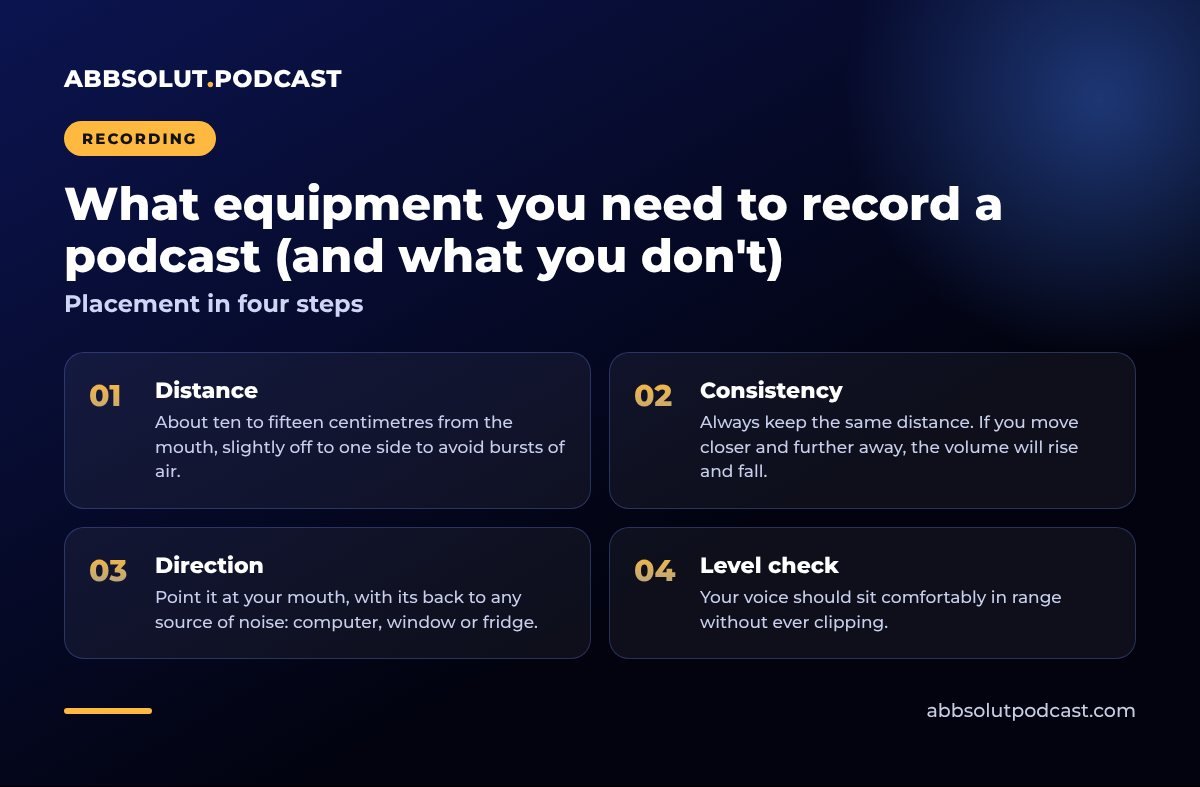
Placement in four steps
- 01
Distance
About ten to fifteen centimetres from the mouth, slightly off to one side to avoid bursts of air.
- 02
Consistency
Always keep the same distance. If you move closer and further away, the volume will rise and fall.
- 03
Direction
Point it at your mouth, with its back to any source of noise: computer, window or fridge.
- 04
Level check
Your voice should sit comfortably in range without ever clipping.
Poor placement will ruin even the best microphone.
Care, maintenance and a test run
Look after your equipment and it will last for years. Keep the microphone in its case, don't pull on the cables and clean the pop filter now and then. Before each session, check the batteries (if any) and connections. That way you won't lose an interview to a technical fault.
⚠️ Test before you buy
Record a minute with what you already have, for example your phone's microphone, and listen back on headphones. Often it's computer noise, echo or poor mic position that causes bad sound, not the lack of an expensive gadget.
In short
The right microphone, closed-back headphones, a quiet space and software you know. The rest can wait.
🎙️ How we do it at Abbsolut
If you'd rather we took care of the equipment, we record in your space with professional gear. Take a look at our podcast production company in Barcelona.
Would you like us to produce your podcast?
We're a podcast production company in Barcelona. Tell us your idea and we'll send you a no-obligation proposal.
Get a quote