You have the knowledge, and students who want to learn from you. Recording your course lets you reach more people, sell while you sleep and stop teaching the same class a hundred times. But a poorly recorded course gets abandoned by the second video. Here's how to make sure yours looks good, sounds good and gets finished.
⚡ In 30 seconds
- Split the course into short videos, each with a single objective.
- Sound matters more than the picture.
- Recording your in-person training is quick and authentic.
- Look into the camera as if you were talking to just one student.
Before recording: structure
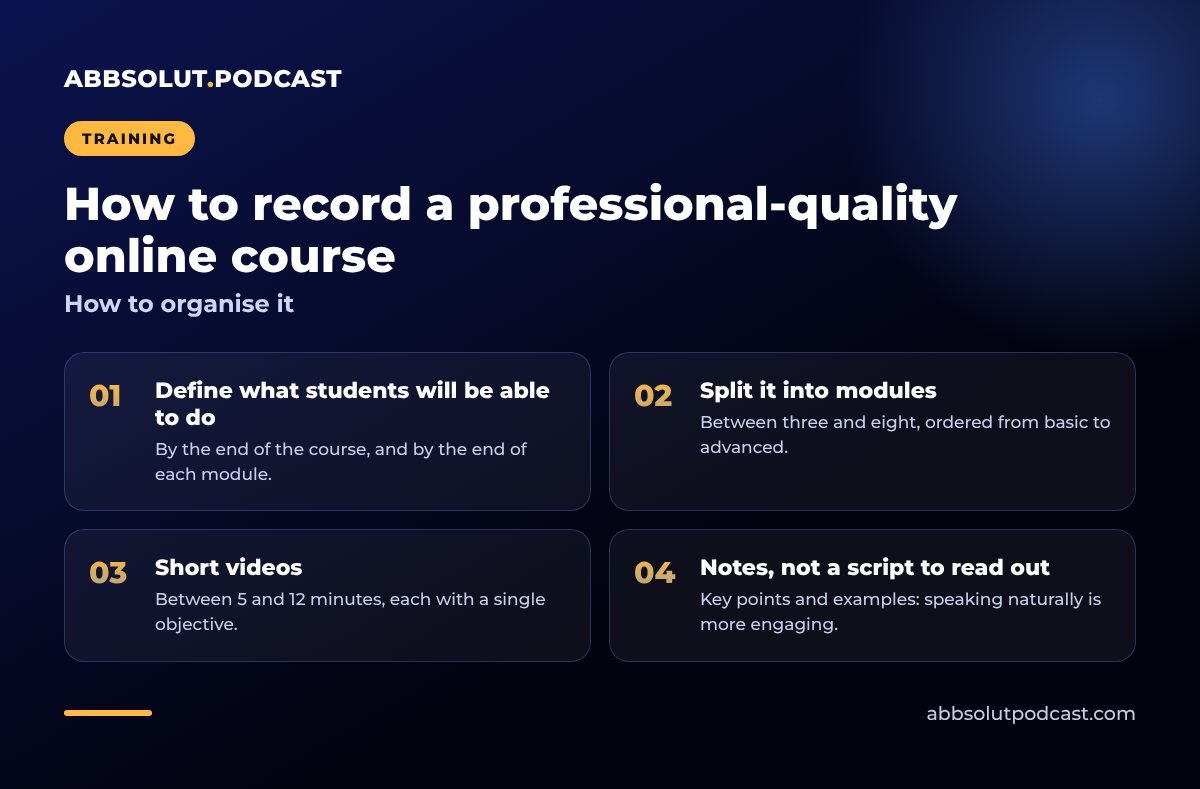
How to organise it
- 01
Define what students will be able to do
By the end of the course, and by the end of each module.
- 02
Split it into modules
Between three and eight, ordered from basic to advanced.
- 03
Short videos
Between 5 and 12 minutes, each with a single objective.
- 04
Notes, not a script to read out
Key points and examples: speaking naturally is more engaging.
The essential kit
| Item | Why it matters |
|---|---|
| Lavalier or headset microphone | Students will forgive average picture quality, but not bad sound. |
| Soft front lighting | Looks professional and approachable. |
| Fixed camera at eye level | You look straight at the student. |
| Screen recording | For courses involving software or slides. |
Many of these tips are the same as for a video podcast: see how to record a video podcast.
Live session or studio?
Two ways to record
Recording your in-person training
You make the most of a real session with students. More authentic, quicker, and with genuine questions.
Recording in a studio
More control over picture and sound. Ideal for premium or very technical courses.
Courses don't get abandoned for being simple, but for being boring or hard to listen to.
How to speak to camera
- Talk to one person, not to "all the students".
- Start each video by saying what students will learn and end with a summary.
- Use real examples from your experience.
- Don't aim for perfection: a small slip makes you more human.
If you find being on camera difficult, read how to lose your fear of the microphone and the camera.
Editing and delivery
✅ Before publishing
- Clean cuts, no long silences
- On-screen titles for each lesson
- Subtitles for accessibility
- Downloadable resources
- A format suited to your course platform
⚠️ Common mistakes
- Hour-long, unedited videos.
- Reading slides aloud.
- Recording in a room with echo.
🎙️ How we do it at Abbsolut
We record your training sessions wherever you run them, help you structure them and edit them ready for your platform. Find out more about our on-site training recording.
In short
Break it into short videos, look after the sound, talk to one person and keep the editing pacy. That way your course looks professional and, above all, your students finish it.
Shall we record your course?
Tell us what you teach and we'll send you a no-obligation proposal.
Get a quote